RealGrade – Realistic ReShade Preset for BeamNG.drive
A downloadable ReShade preset
Note: ReShade looks much better in-game than in screenshots!
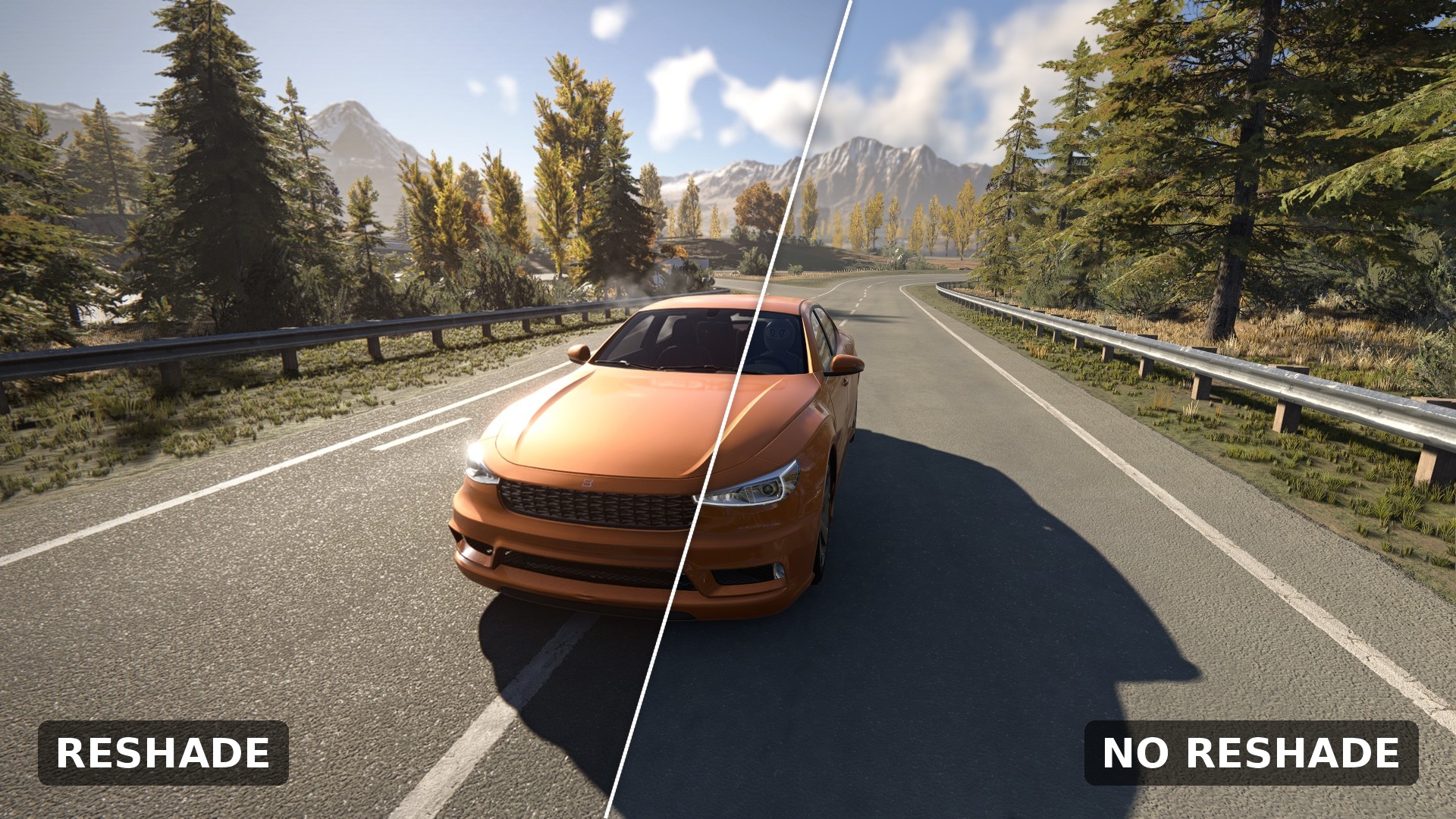
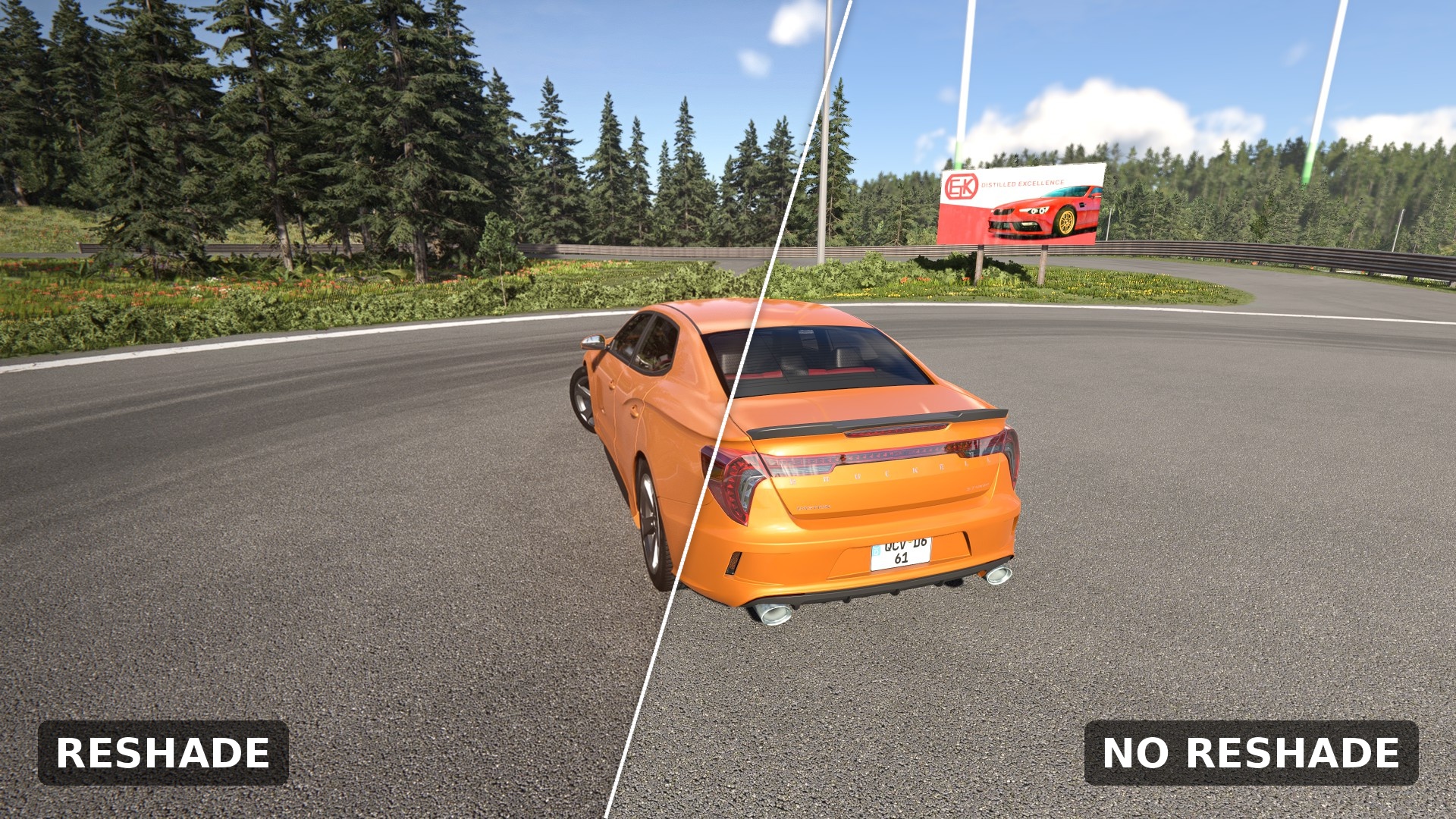
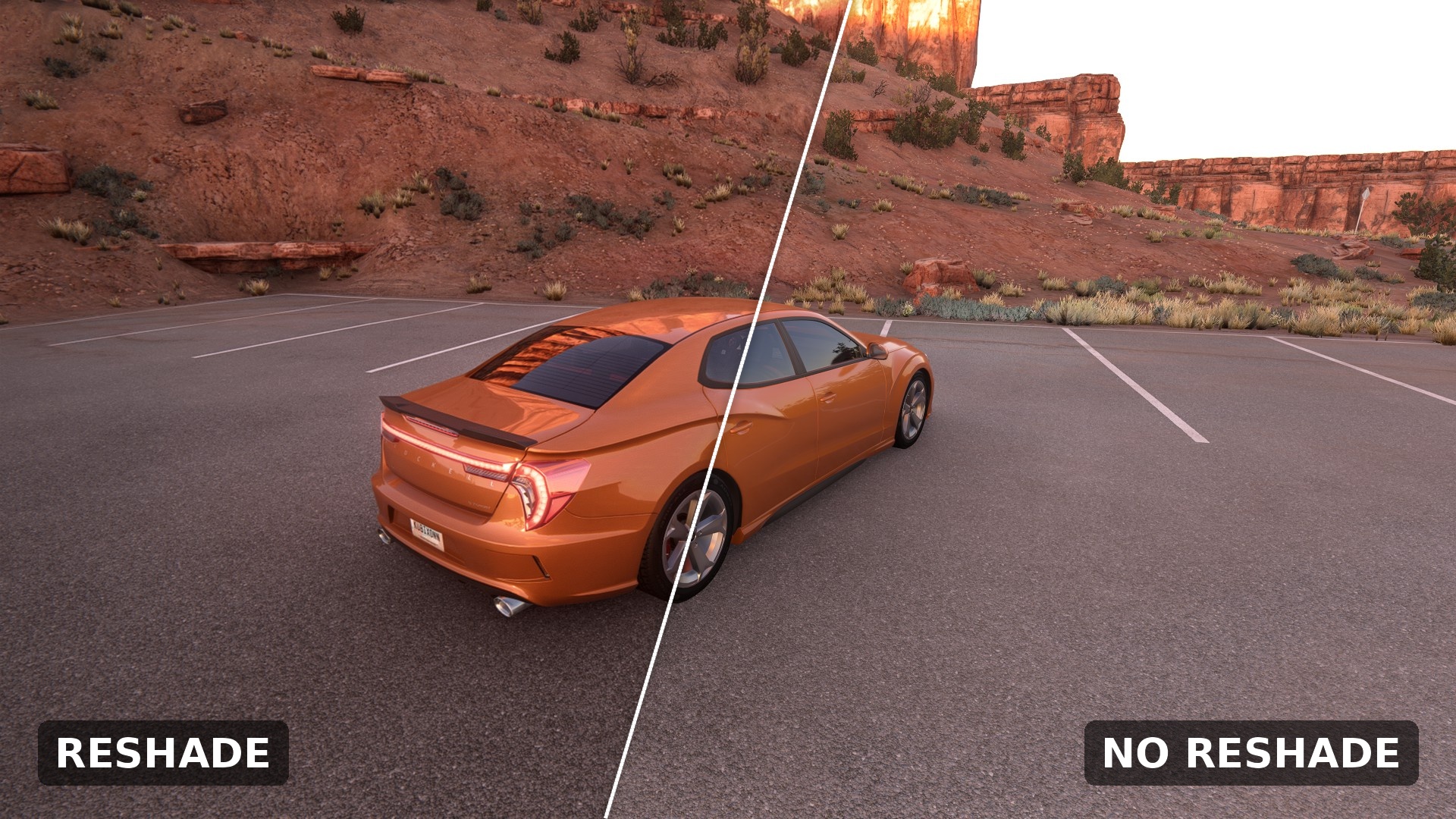
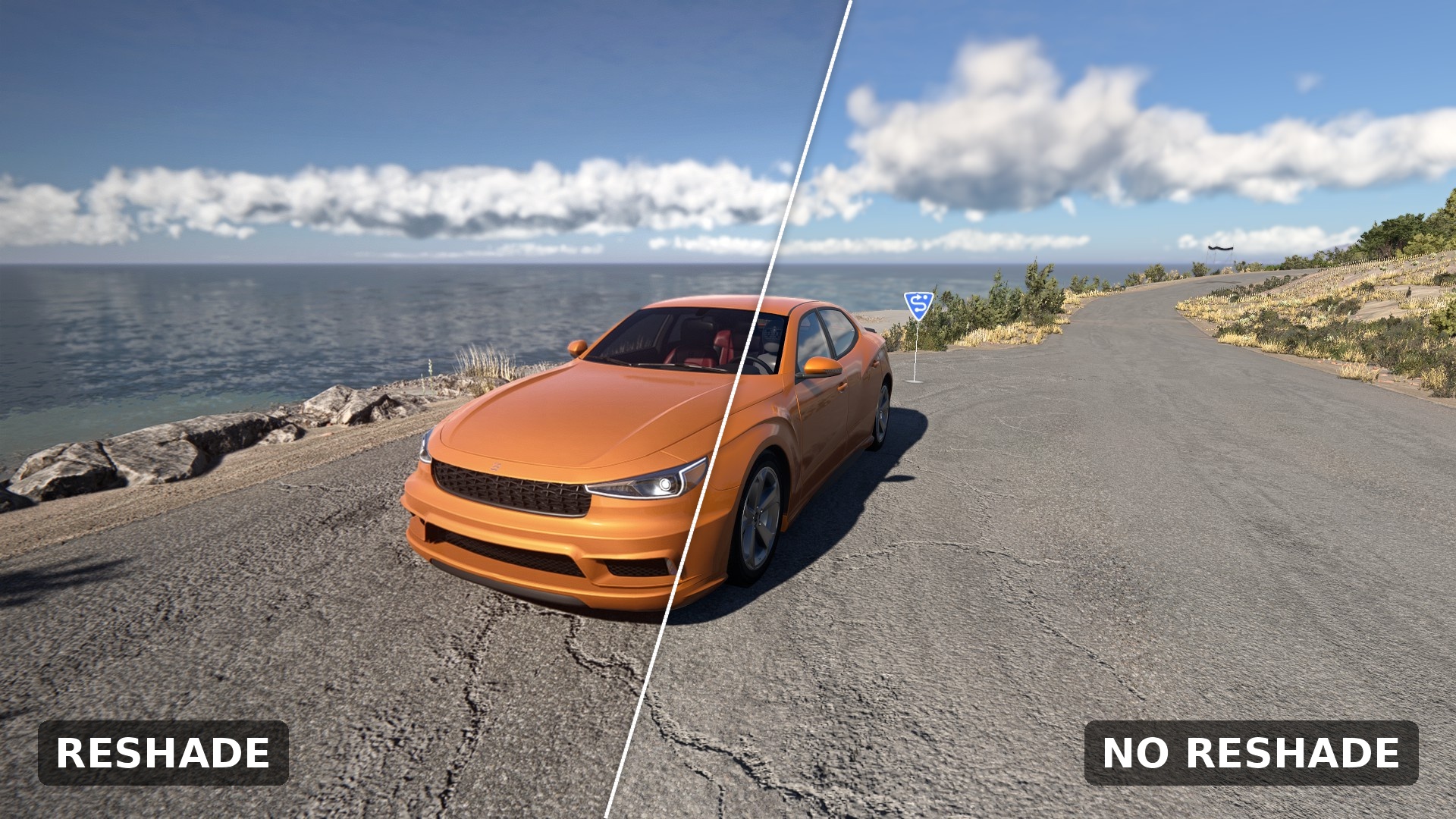
Make BeamNG.drive look closer to real life. RealGrade is a lightweight ReShade preset focused on natural colors, believable lighting and a subtle cinematic finish, without washing out the game or killing your FPS.
Features:
- Natural, balanced color grading
- Improved dynamic range and contrast
- Subtle bloom and soft highlight roll-off
- Better shadow, midtone and highlight control
- Local contrast for more detail in asphalt, bodywork and buildings
- Light film grain and vignette for a camera-like look
- Gentle chromatic aberration
- Performance-friendly: no ray tracing, no heavy depth effects
Installation:
1. Download and install ReShade from reshade.me (select BeamNG.drive.x64.exe, DirectX 11).
2. Install the standard shader packages when asked (including "Standard effects" and optional community packs).
3. Download RealGrade and copy `RealGrade_v0_1_Reshade_ByKubixDev.ini` into the BeamNG.drive game folder (next to the .exe).
4. Launch the game, press Home to open the ReShade menu, and select the preset from the list.
Credits:
Preset by KubixDev. Uses effects from the ReShade community (Marty McFly, prod80, CeeJay.dk, Zenteon and others).
Download
Click download now to get access to the following files:
Leave a comment
Log in with itch.io to leave a comment.